Walkthrough · Sound Studio
Voiceovers, jingles and music — on brand, in minutes.
Cast a voice or pick a genre, give Claude a one-line brief, edit the draft, and the clip lands with a player and a download. Here's the whole walk, from the sidebar to a jingle scoring your next film.
The whole walk · seven stops
From a one-line brief to a jingle scoring the film
Seven stops, in the order the studio runs them. Where it is, how you cast a voice, how Claude writes the script, how the music gets made, how your own performance becomes the actor's, where the clips live, and how one scores the next video.
Your client's spot needs a narrator and a jingle, and there's no budget for a studio day.
Sound Studio is in the sidebar under Create, second in the list. Here's exactly where to click.
Step 1 · Open Sound Studio
It's in the sidebar, under Create
Open Create in the left sidebar and click Sound Studio. It's one page: a bar to say what you need, and a chat card that talks back.
First, you cast the voice.
The Actor chip opens a panel with your client's own voices first and a cast of over a hundred behind them, each with an audition clip.
Step 2 · Cast the actor
Click Actor and the voice panel opens — your brand's own voices first, then a cast of over a hundred, every one with an audition clip
The Actor chip opens a panel on the right. Brand voices sit pinned at the top — voices saved to this client's kit. Below them, the library: a curated cast of over a hundred named voice actors — narrators, announcers, conversational reads — merged into one list, filtered by gender and style. Every card has a play button, so you hear the actual read before you cast. Pick one and the chip shows the name.
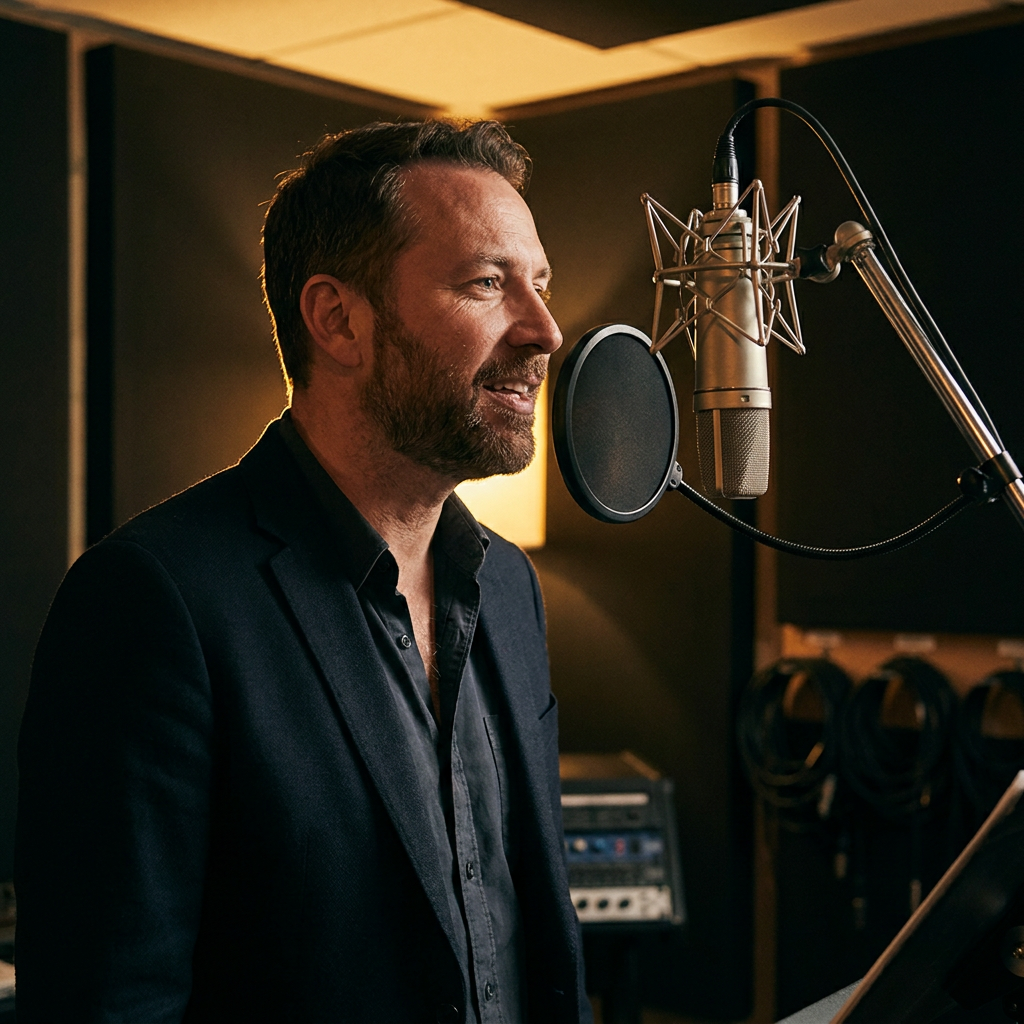
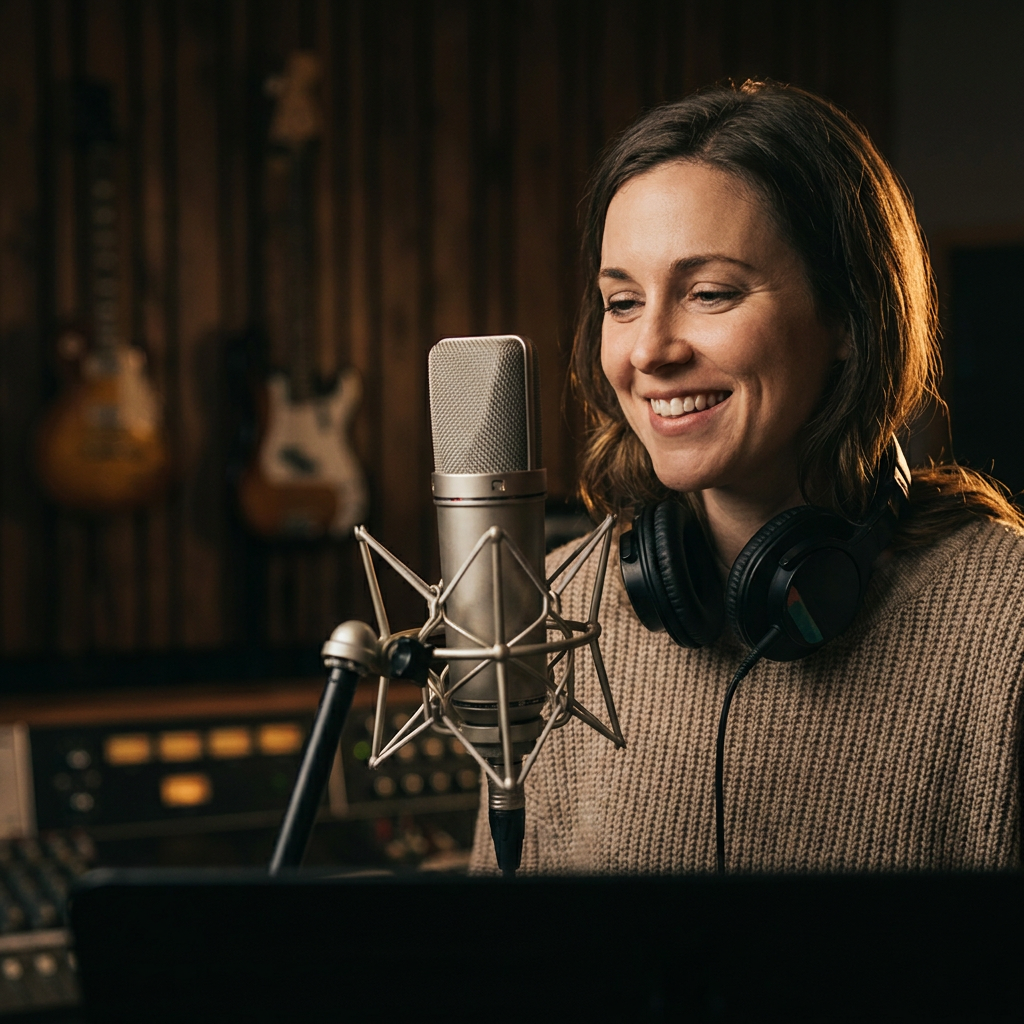
You don't write the script. You tell Claude what the spot is for.
Author with Claude turns one line into a script with pauses and a direction, as a draft you edit before anything generates.
Step 3 · Author with Claude
Give ✨ Author with Claude one line and a finished script comes back as a draft you edit — nothing generates until you approve
You don't have to write the script. Type what the spot is for, click ✨ Author with Claude, and Claude writes the material from your brief: a voiceover script with pause marks and a performance direction, or a lyric sheet with a hook that lands on the brand name. It arrives as an editable card in the feed — change a line, tighten the hook — then Voice it or Compose it. Nothing generates until you approve the draft.
Then you make the music the same way.
Music reshapes the bar: pick a genre and a length, sung or instrumental, and the jingle composes to the second.
Step 4 · Make the music
Switch Style to Music, pick a genre and a length, and the jingle composes to the second
Music reshapes the bar: the Actor chip becomes Genre, and Length appears beside it. Ten genres seed the production style — Jingle is the default, the video-ad workhorse — and your words steer the song. Choose an exact length for an ad, fifteen, thirty or sixty seconds, or let a full song run its own length with sung lyrics. Flip the instrumental toggle when you just need the bed. Author the lyrics with Claude or describe the music yourself, then Compose it.
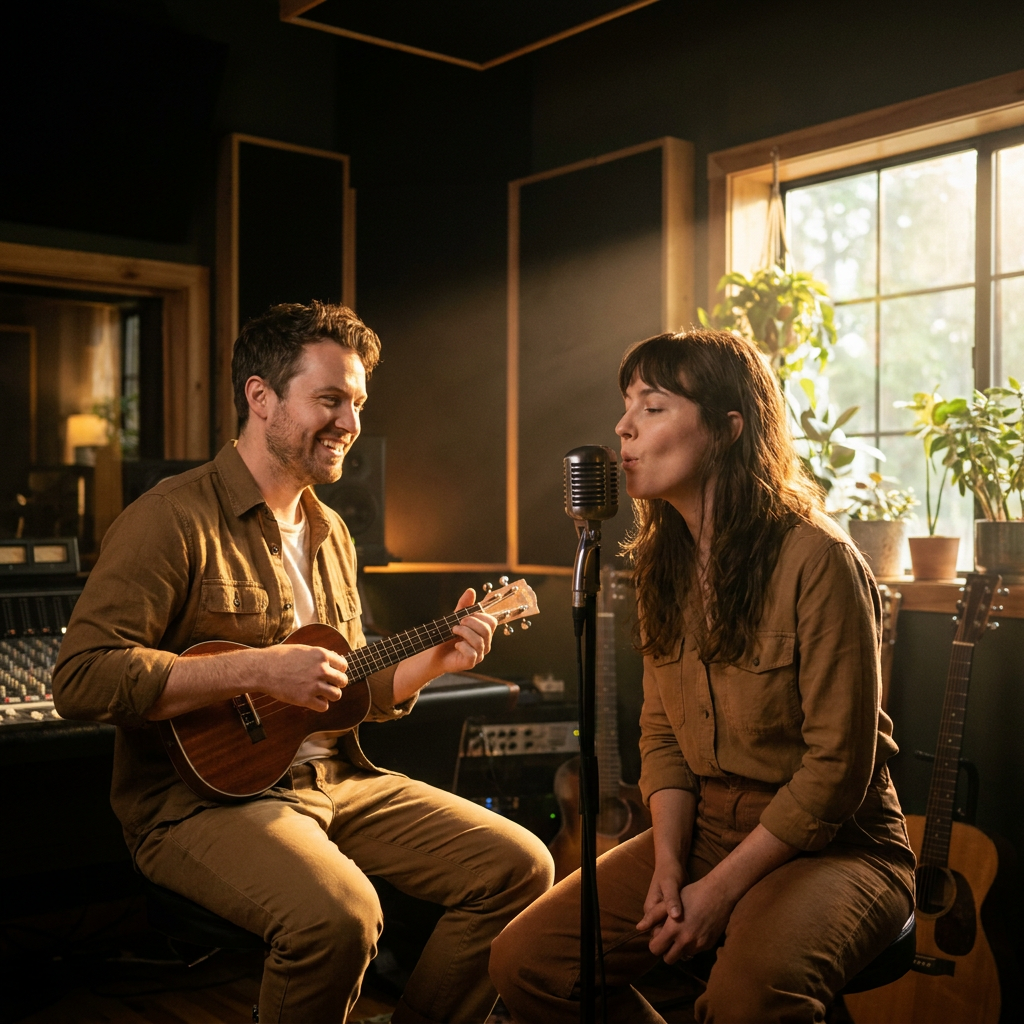
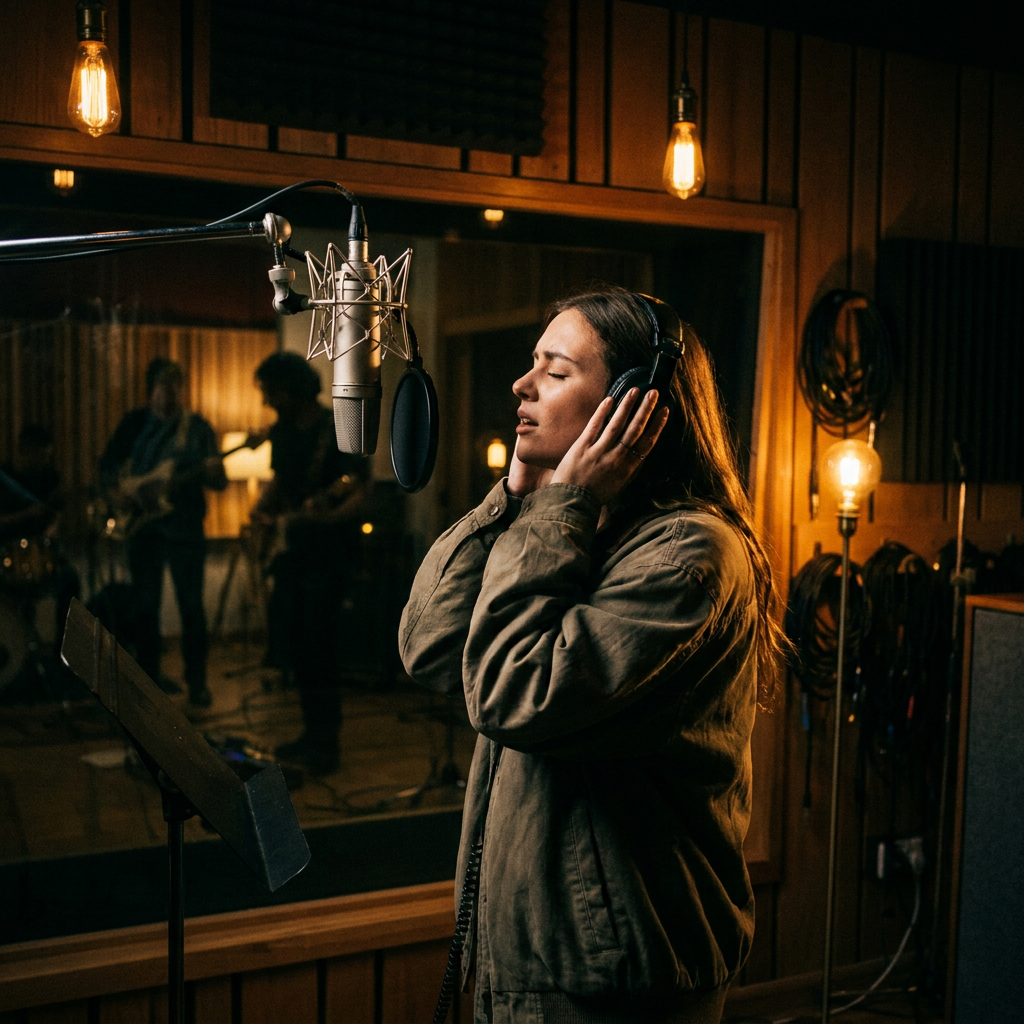
If you know exactly how the line should be read, you read it yourself.
Voice Changer records your performance and has the actor say it back with your timing.
Step 5 · Record and transform
Voice Changer — speak the line yourself, and the actor's voice says it back with your timing
Switch Style to Voice Changer and the text box goes away, because the performance is the script. Pick the actor from the bar, press Record, and read the line the way you want it read — the pauses, the emphasis, the pace. A live waveform draws as you go. Review the take, re-take if you like, then Generate. The clip that lands is the actor's voice carrying your performance.
Every clip lands as a card, and the keepers go into the kit.
Play, download, board it for the client, or save it to the kit's Audio tab, where the words get transcribed.
Step 6 · Keep it
Every clip lands as a card — play it, download it, board it, save it to the kit
Clips land in the feed as cards with a player, the actor or genre named, and a download as MP3 or WAV. Fire the next idea while the last one composes. Add a clip to a share board for the client's ear, or Save to kit and it files under the brand kit's Audio tab — with the words and their timing transcribed, so the AI can use them later. The session has been saving itself as a Sound Studio project since the first note; reopen it from the kit's Brand Videos page.
Then the jingle scores the next video, and the storyboard is written to its lines.
Attach the saved track on the Cinema Ads bar and the action lands inside the lyrics.
Step 7 · Score the video
A saved jingle becomes the soundtrack of the next video — and the storyboard is written to its lyric lines
This is the payoff. Open Creative Studio, pick Cinema Ads, and attach the saved jingle from the kit's Audio library as a reference. Because the studio learned the words and their timing when you saved the clip, the storyboard is choreographed to the track — the action lands inside each lyric line, so a spin happens on “spinning all around”. The finished film plays your audio. Carousels and store sequences take a track the same way with Add music.
Or you say the whole thing to Claude.
It writes it, casts it, composes it to length, and files the keeper, with your approval at every fire.
Or · Say it to Claude
Tell Claude what the spot needs to sound like — it writes it, casts it, and files the keeper
Everything above can be said instead of clicked. Claude authors the script or the lyrics from your brief, casts from the same voice library, composes to the length you name, and saves the keeper to the client's kit. It can score a carousel or a film with a kit track in the same conversation. Nothing composes until you say so.
“Write a fifteen-second jingle for the dress client — light, playful, the brand name in the hook — and save it to the kit when I approve.”
- The cast is English-first today. Voices across the major markets, and cloning a founder's or creator's voice, are on the roadmap.
- Exact lengths (15, 30 or 60 seconds) are the short-form lane, timed for ads. A full song composes to its natural length. Lyrics are sung word for word either way.
- Scoring a video carries up to fifteen seconds of track on the newest video engines — a jingle, not a full song.
- Generating is kit-tied from the first note. Pick the client's brand kit on the bar; the project saves itself under that kit and reopens from its Brand Videos page.
- Nothing generates until you approve. Authored drafts are editable cards; every fire is your click.
Pick the client's kit. Cast a voice. Tell Claude what the spot is for. Approve the draft.