Create · Two doors, one studio
Scroll-stopping video ads — from your product shots
A proven animated template opens the ad, your story plays with feature callouts and effects, and music plus an AI narrator land on the exact frames. Preview free, iterate by talking, render when it's perfect — either by asking Claude, or step-by-step in the Studio.
Watch a finished motion ad
Made by AI from a brand kit asset and a short user prompt — the cover brought to motion, the story staged shot by shot, the words and the sound timed together on a live preview. Tap the pill for sound.
How a motion ad comes together
The same engine under both doors — a cover, a story, the words, the sound, and a live preview you render when it's right.
The Cover
A proven animated opener — the first ~2 seconds that stop the scroll. Pick from 26 curated openers; each one knows exactly how many shots it needs.
The Story
The ad plays on past the cover into a story arc — push carousels, crossfades, filmstrips, card decks. More shots = a longer ad (10s minimum for ad platforms).
Specialty frames
Moments tagged onto the story: feature callouts (rings + labels drawn on the real product detail), detail zooms, spotlight circles, stat counters, before/after wipes.
The Words
Kicker, headline, subline, CTA — write them yourself, or leave any blank and the director writes them from your brand.
The Sound
A generated music bed matched to your brand, plus an optional AI narrator whose lines are timed to land ON their frames. Music auto-ducks under the voice — a studio mix.
The Preview
Every version plays live: scrubbable, numbered, free. Iterate by talking — each change appends a new numbered take, nothing is overwritten.
The Render
When it's right: MP4 (and a looping GIF) with the full mixed soundtrack baked in. Re-render anytime; finished files download from the page.
The Assets
The preview page's Renders tab is your asset locker — every image, the music, each narration line, the mix, the videos — playable, downloadable, with a one-click “Download all” zip.
Surface 2 · Five steps, no guesswork
A form that guarantees a great ad
Prefer to drive? Make the creative picks yourself on a page. Choosing a cover materializes its labeled image slots — the form itself guarantees the right shots — then the same director composes the animation, music, and narration.
Pick a cover — six of the 26 openers, playing for real
each tile is the actual openerTwenty more in the gallery — Rack-Focus Punch, Living Lookbook, Carousel, Deck Shuffle, Coverflow, Cube Tour, Pinwheel, Slat Reveal… Every one shows how many shots it needs before you pick it.
Wink-Out picked — its slots appear, labeled
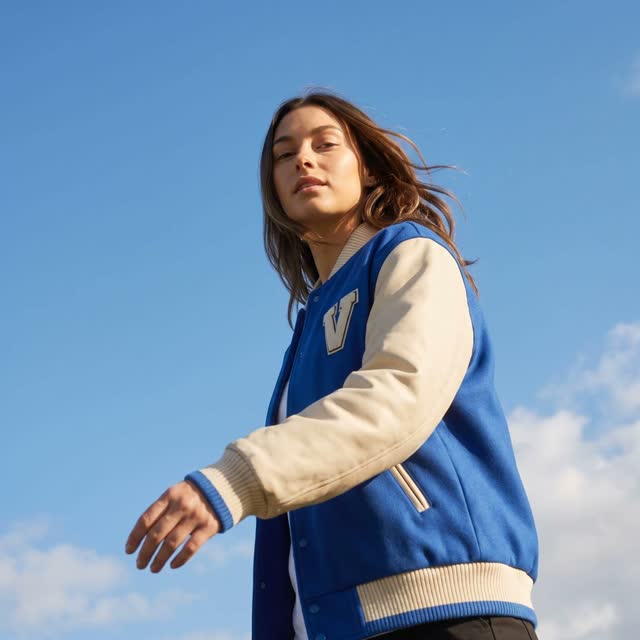
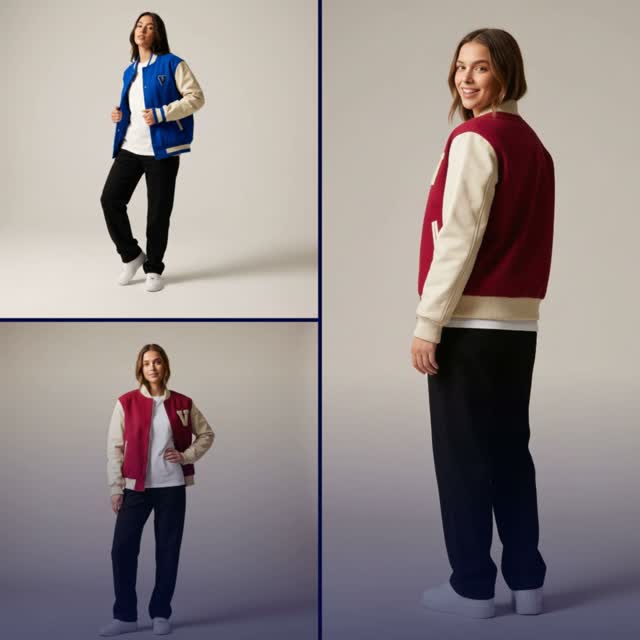
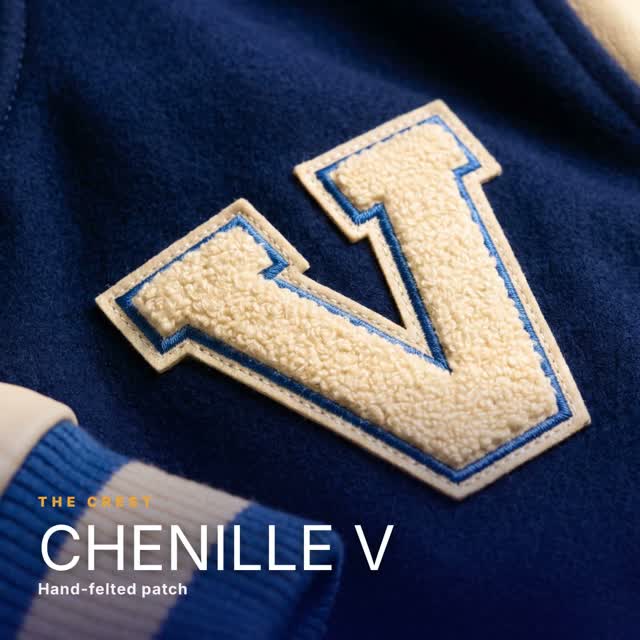
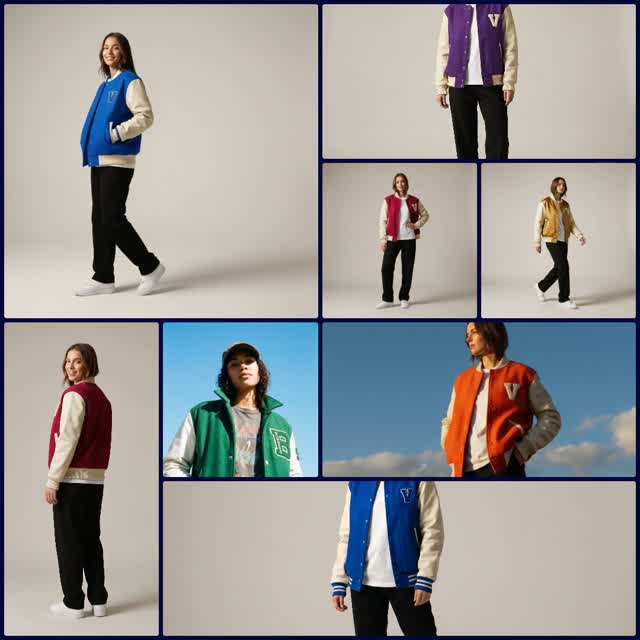
Fill from the brand kit, upload, or drag-and-drop onto a cell — a slot goes green when Claude can “see” it.
Surface 1 · Just ask
Say the word — Claude directs the whole ad
“Make me a motion ad for the varsity jacket.” Claude acts as your creative director — it finds the shots (or generates them), picks the cover and story, writes the copy, scores the music, writes and times the narration, and hands back three distinct takes to react to. Zero forms.
“Make me a motion ad for the spring drop — premium and calm, callout on the gold patch.”
The director sources the shots, picks a cover + story, writes the words, scores it, and writes the narration → a preview link with 3 takes.
The preview page
numbered takes · scrubbable · free
Ask Claude to
Delegate the whole ad
“Make me a motion ad for the varsity jacket — premium and calm.”
Direct the sound
“Add a narrator that hypes the leather sleeves, and warmer music.”
Iterate & render
“Make #2 a 9:16 story version, then render it as an MP4 and a GIF.”
New to this? Connect your agent and see everything you can ask →
Two doors, one studio
Both surfaces write the same projects to the same library. Start an ad in the Studio and refine it with Claude in chat later — or the reverse. Same templates, same director standards, same preview page, same downloads.
Everything in the video ad maker
Covers, story arcs, product callouts, kinetic type, and a full soundtrack — all on-brand, all live.
Openers
Curated cover library
Living photo grids, accelerating iris reveals, cinematic focus-pulls, 3D cubes, venetian-blind reveals — each a proven scroll-stopper.
Story
Story arcs
Push carousels, crossfade + slow-zoom, filmstrips, card decks — the play after the cover, on one seamless timeline.
Product
Feature callouts
Animated rings + labels draw onto the actual product detail in your photo — you say which shot and which detail.
Type
Kinetic headlines & CTAs
Headline treatments (word-slam, neon, glitch, gradient sweep) and CTA styles that ride any cover — on-brand type in motion.
Audio
Music + AI narrator
A generated music bed matched to your brand, plus the house AI narrator (Jessica — warm, bright) timed to the frames and auto-ducked under the voice.
On-brand
Your kit, automatically
Every ad wears your kit's colors, fonts, and logo. The director makes real creative calls — which cover fits the shots, where the rings land.
Free to preview
Iterate by talking
Staging and iteration are free and instant; each instruction appends a new numbered take. Rendering is free too — and finished renders re-download free.
Library
Reopenable projects
Every ad is a project on Brand Videos — reopen the exact setup, open the preview, rename, delete. Nothing is ever lost; the setup autosaves as a draft.
The Studio composes from your product images. Filming with talking-head clips or footage? That's the Video Editor Studio's job — the two cross-link.
Creating a talking ad with narration takes about a minute or two, with live progress. Preview and iteration are instant and free.
The narrator is Jessica (warm, bright) automatically; a voice picker in the Studio is coming, and other voices can be chosen via Claude on request.